Learn how to reset boAt Airdopes with 9 easy fixes. Solve pairing, sync, and audio issues for all models quickly and easily.
boAt Airdopes are true wireless earbuds that have become very popular in India—they are loved by many for their great sound quality and ease of use. But sometimes, you may encounter minor issues like pairing problems, sync issues, or audio lag. Don’t worry—a simple reset will usually get things back on track. A reset will reset your earbuds to factory settings and refresh their performance.
In this guide, we’ll walk you through a step-by-step guide on how to reset boAt Airdopes—specifically for the 141 model and other popular variants. We’ll also explain when a reset is necessary and what troubleshooting steps to take after a reset.
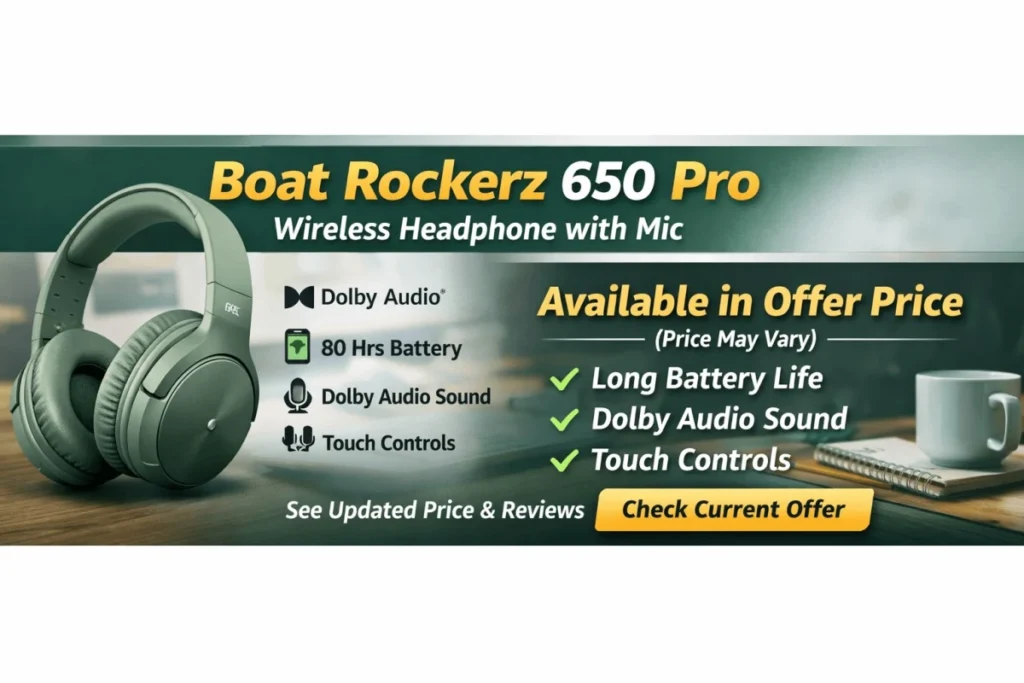
If you prefer headphones over earbuds, be sure to check out the Boat Rockerz 650 Pro Wireless Headphone review.
And if you’re looking to buy a new model, there’s an easy option for that too. With Bajaj Finserv’s EMI network, you can buy with benefits like easy EMI, zero down payment in select locations, and instant finance. This facility is available across 1.5 lakh partner stores across 4,000+ cities in India. You can check your eligibility online beforehand, so the process becomes even smoother when you go to the store.
You can visit the boAt Airdopes official website for more information and to see the new models.
Table of Contents
# 1. When to reset boat airdopes
Resetting your boAt Airdopes is a very simple yet effective solution that can quickly fix many common problems. If you are experiencing any of the following issues, then it would definitely be beneficial to try resetting them
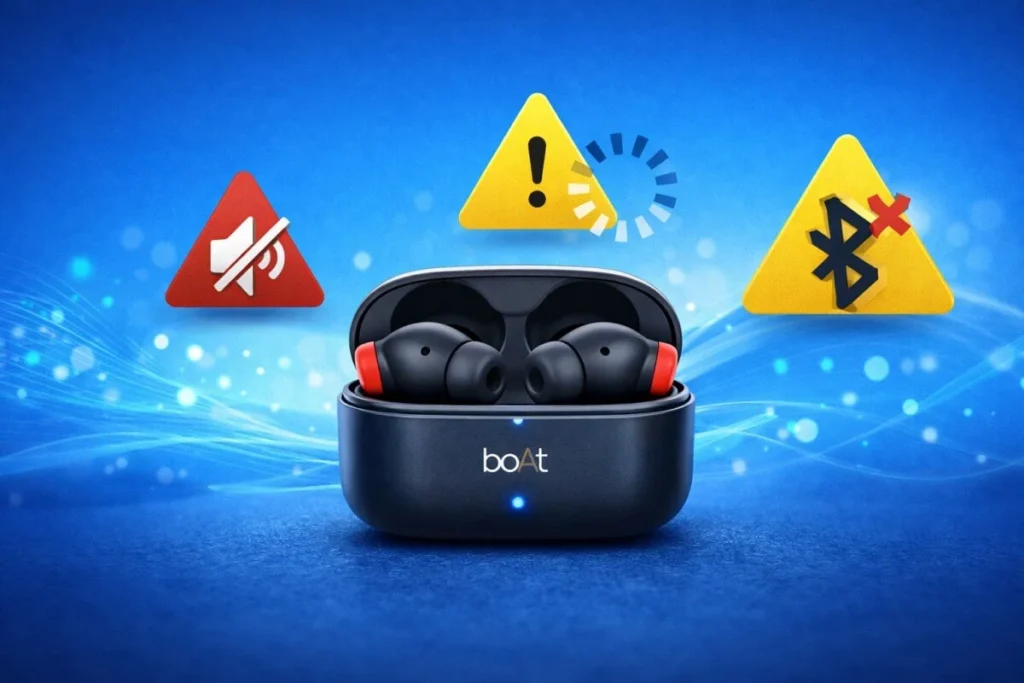
a) Issues while connecting or pairing
If the earbuds are not connecting to the phone or are disconnecting frequently, resetting them will make the connection stable again.
b) Left and right earbuds not syncing properly
If only one earbud is working or if the sound is not syncing between both earbuds, resetting them can help them sync properly again.
c) Distorted sound or delay in audio
If the sound is delayed, choppy, or distorted, resetting them will refresh the audio performance.
d) Touch or button controls not responding
If the touch controls or buttons are not responding, resetting them will make them work properly again.
In short, resetting is a quick “all-in-one fix” for such minor issues
Pro Tip: If you’ve done all the troubleshooting and the problem still persists, you can consider upgrading to the newer boAt Airdopes model. To make this upgrade even easier, Bajaj Finserv offers the Easy EMI option—meaning you don’t have to spend a lot of money all at once.
Also, you can make your purchase even more budget-friendly by using the “Maha Bachat Calculator.” Here you get brand discounts, dealer offers, and EMI deals all in one place—meaning it’s a lot easier to get electronics and gadgets at a lower price.
# 2. General reset steps for all models
While there is a slightly specific process for boAt Airdopes 141, the reset procedure is almost the same for most Airdopes models. Let’s understand in very simple steps.
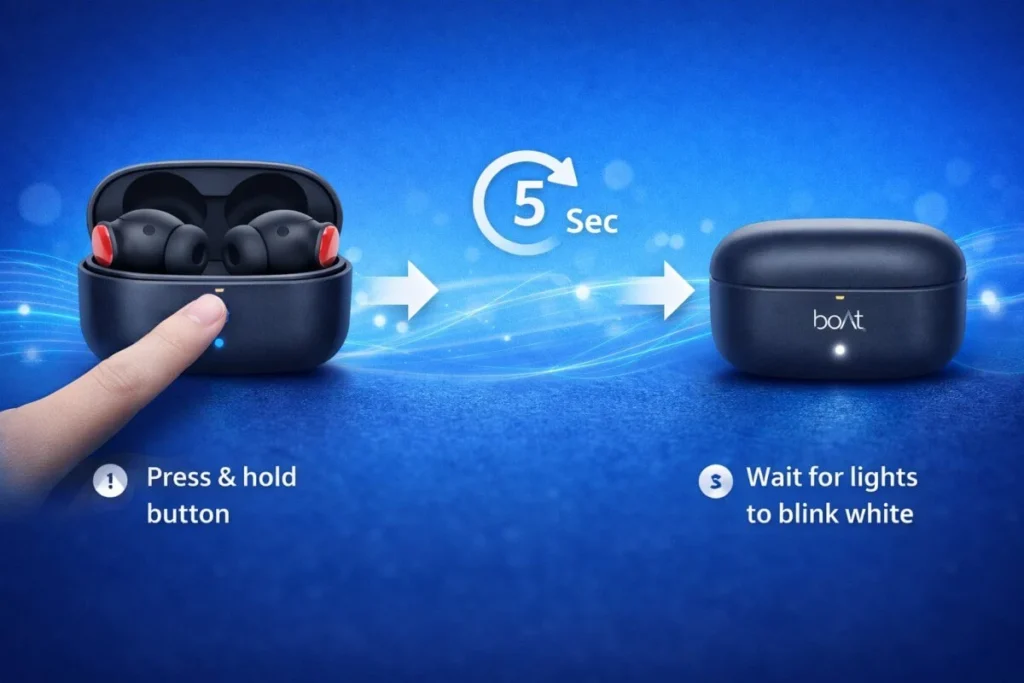
Step 1: Place the earbuds properly in the case
Check if both the earbuds are properly seated in the charging case.
Step 2: Press and hold the button on the case
Press and hold the multi-function button inside the charging case for about 10–15 seconds.
Step 3: Pay attention to the LED signal
The LED light on the case or earbuds will blink—this means the reset has been successfully completed.
Step 4: Connect via Bluetooth again
Now turn Bluetooth ON on your phone and pair the earbuds again (as you did the first time).
That’s it! After doing this, your Airdopes will get a fresh start again, and most of the issues will be fixed automatically.
# 3. How to reset Boat Airdopes 71
Resetting boAt Airdopes 71 is very easy—just follow a few steps and your earbuds will start fresh again. Let’s understand in a very simple way 👇
Step 1: Delete the old Bluetooth connection
First, go to your phone’s Bluetooth settings, search for “Airdopes 71” and Forget / Unpair. This will make the new pairing smooth.
Step 2: Put the earbuds in the case
Place both earbuds in the charging case properly. Keep the case open.
Step 3: Start the reset process
Press and hold the touch area (CTC) on both earbuds simultaneously for about 5 seconds.
Step 4: Check the LED signal
When the reset is complete, the red LED on the earbuds will blink 5 times—this is a confirmation that the reset was successful.
Step 5: Complete the process
Now close the lid of the charging case and wait at least 5 seconds.
That’s it! Now take out the earbuds and connect them to your phone again via Bluetooth—just like you did the first time.
# 4. How to reset Boat Airdopes 131
Resetting boAt Airdopes 131 is very easy—just follow the right steps and your earbuds will start working properly again. Let’s see it in a very clear and simple way
Step 1: Remove the old Bluetooth connection
First of all, go to your phone’s Bluetooth settings, search for “Airdopes 131” and Forget / Unpair. This will prevent errors when pairing again.
Step 2: Set the earbuds in the case
Place both earbuds in the charging case and keep the case open.
Step 3: Two options for reset
Option A: Use the case button
Press and hold the button on the charging case for about 10 seconds.
Option B: Use the Earbuds touch control
Quickly tap the multi-function button (MFB) on both earbuds three times.
Step 4: Confirm via LED signal
When the reset is complete, the red LED will blink 4–5 times—this means the reset is successful.
Step 5: Reconnect
Now close the case, wait 5 seconds and open it again to pair the earbuds with your phone via Bluetooth.
If the problem still persists, check if the earbuds are fully charged and try this process again.
# 5. How to reset the Boat Airdopes 141
boAt Airdopes 141 are very popular due to their strong sound quality and easy-to-use design. But sometimes issues can arise—in such cases, a simple reset can be very useful. Let’s understand this step-by-step in an easy way
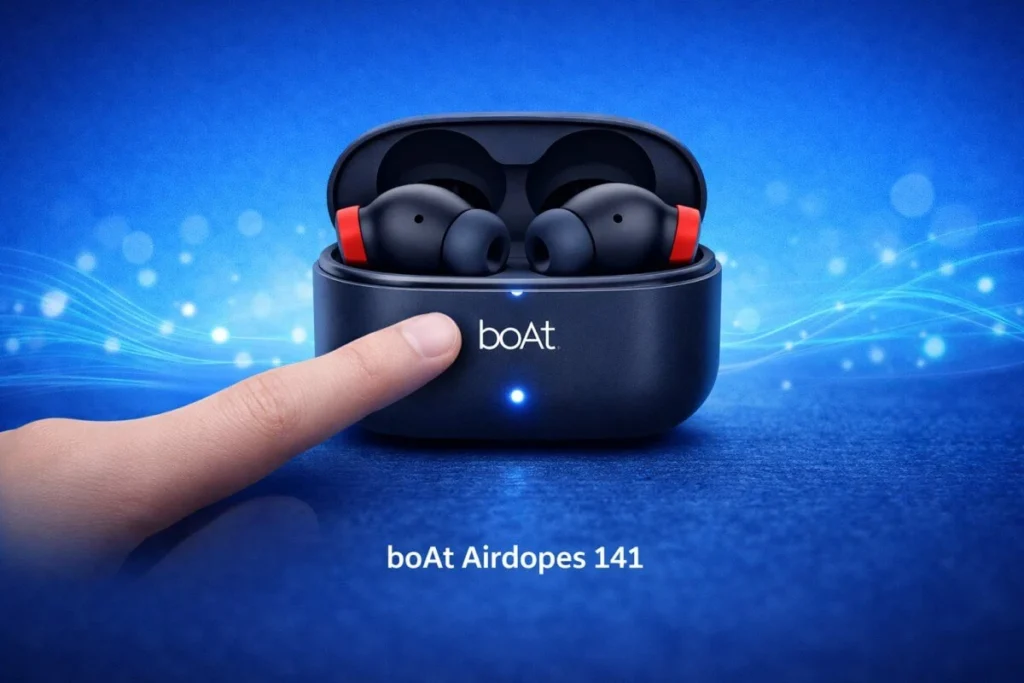
Step 1: Place the earbuds properly in the case
Check whether both earbuds are properly seated in the charging case.
Step 2: Close the case and wait for a while
Close the lid of the charging case and wait at least 5 seconds.
Step 3: Activate the reset
With the case closed, press and hold the button on the case for about 10 seconds. The LED will blink—this means the reset is complete.
Step 4: Start pairing again
Now open the lid, turn Bluetooth ON on your phone, and pair the earbuds again.
After resetting, most of the time the performance becomes smooth again and minor issues are automatically fixed.
And if you are thinking of buying a new model, Bajaj Finserv’s Easy EMI option makes the purchase very easy and budget-friendly. You can upgrade to the best offer by checking the latest deals.
# 6. How to reset Boat Airdopes 148
Resetting the boAt Airdopes 148 is a little different, but don’t worry—it’s easy if you follow the right steps. Let’s take a step-by-step look at it
Step 1: Delete the old Bluetooth record
First, go to your phone’s Bluetooth settings and Forget / Remove “Airdopes 148”. This will allow for a fresh pairing.
Step 2: Remove the earbuds from the case
Remove both earbuds from the charging case and keep them ready.
Step 3: Act on the touch sensors
Tap the touch area (CTC) on both earbuds 5 times quickly.
The red and white LEDs will flash—this means they’re in reset mode.
Step 4: Put them back in the case
Now put both earbuds back in the charging case.
Step 5: Complete the final reset
Close the case lid and wait about 5 seconds.
Once the reset is complete, open the lid and pair again via Bluetooth.
Tip: If this method doesn’t work (especially on Gen 2), try an alternate method by pressing and holding the reset button on the charging case for 5 seconds.
# 7. How to reset Boat Airdopes 161
Resetting boAt Airdopes 161 is very easy—just follow the right steps and your earbuds will start working properly again. Let’s see it in a very clear and easy way
Step 1: Remove the device from Bluetooth
First, go to your phone’s Bluetooth settings and Forget / Unpair “Airdopes 161”.
Step 2: Activate pairing mode
Take both earbuds out of the charging case.
If the Red and Blue LEDs are blinking, they are in pairing mode.
Step 3: Trigger the reset
Press and hold the touch sensors (CTC) on both earbuds at the same time for about 5 seconds.
Step 4: Check LED confirmation
Once the reset is complete, the red LED on the earbuds will glow steadily for a few seconds—this is a sign that the reset was successful.
Step 5: Reconnect
Now put the earbuds back in the case, wait a few seconds, and then take them out again and pair them via Bluetooth.
Tip: If you are using Airdopes 161 Pro, you can use the alternate reset method by placing the earbuds in the case and pressing and holding the button on the case for 10 seconds.
# 8. How to fix Sync and Audio Lag?
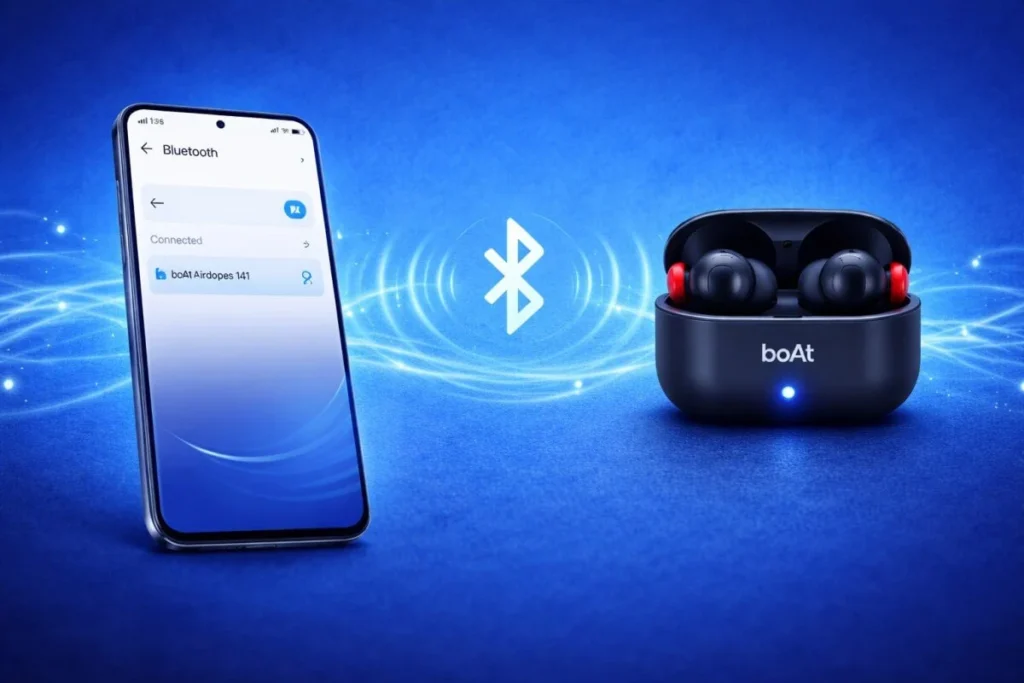
Sometimes, even after resetting, boAt Airdopes may experience sync mismatch or audio lag. In such cases, using some simple troubleshooting tips can easily fix the problem
i) Verify your device’s Bluetooth compatibility
Check if your phone or device supports the Bluetooth version required for the earbuds (usually 5.0+).
ii) Keep earbuds within proper range
Keep the earbuds and your device within 10 meters and avoid obstacles (walls, objects).
iii) Remove previously connected devices
Remove previously connected devices from the Bluetooth list, which will reduce signal interference.
iv) Try reconnecting multiple times
Sometimes, pairing once does not fix the issue, so try reconnecting 2-3 times.
# 9. Still having issues after the reset? Try this
Sometimes, boAt Airdopes may still have issues after resetting. In such cases, some extra troubleshooting steps come in handy
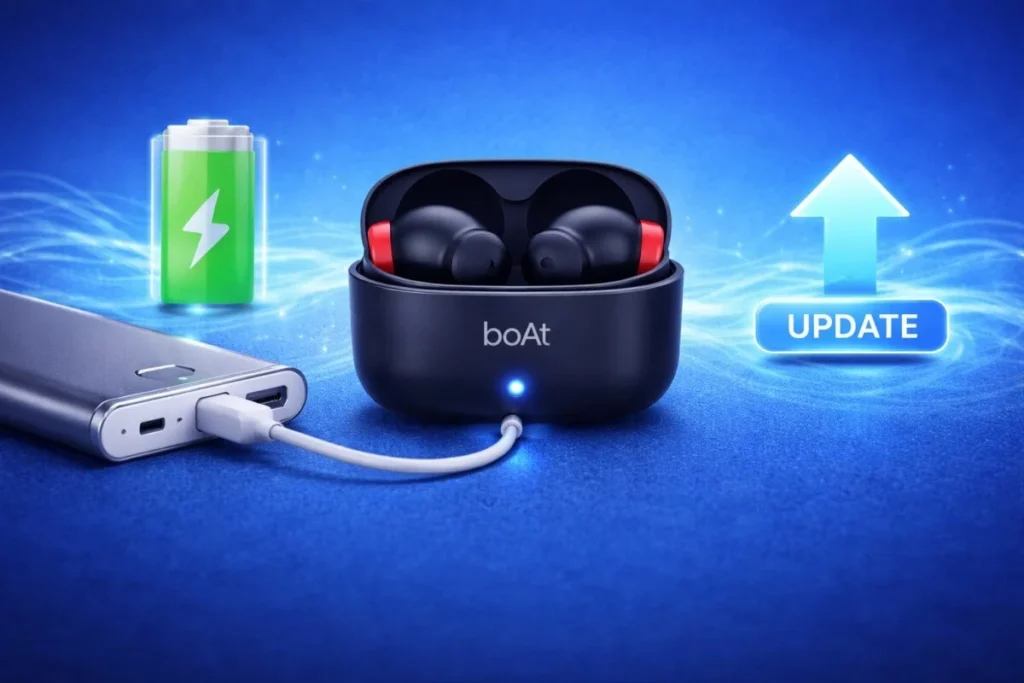
Step 1: Make sure the charging case has enough battery
Verify that the charging case is fully charged. Low battery can affect reset or performance.
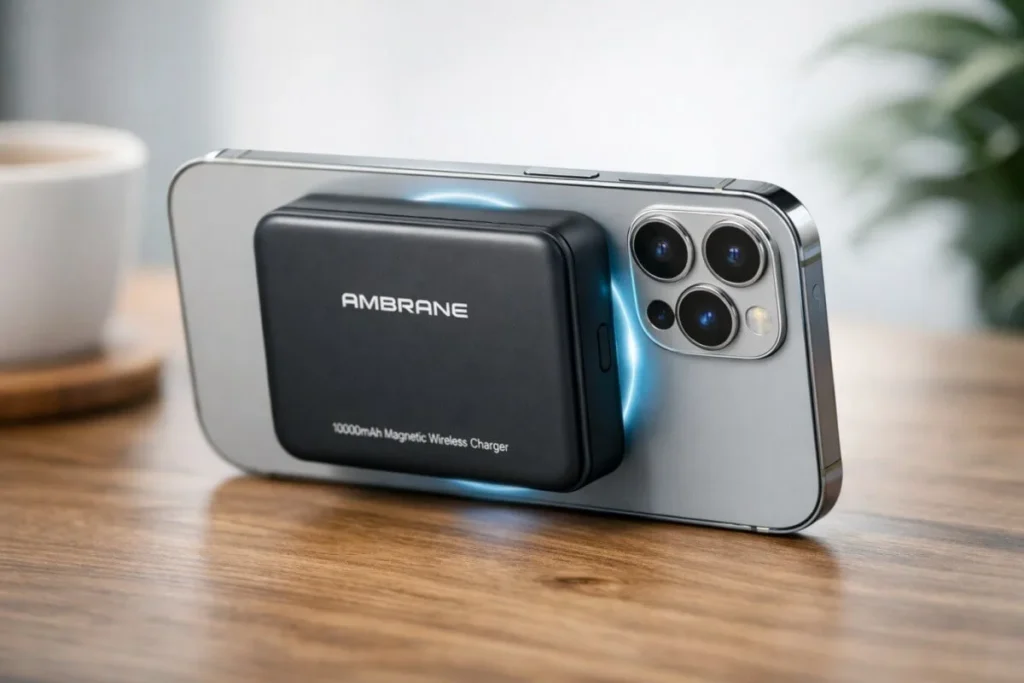
If your earbuds’ charging case is frequently discharging, the Ambrane MagSafe Power Bank – 10,000mAh Smart & Powerful Charging can be a reliable backup option.
Step 2: Check performance on another device
Try connecting your earbuds to another phone or device. This will help you determine if there is a compatibility issue.
Step 3: Consider upgrading to newer models
If all the solutions do not fix the problem, upgrading to a newer boAt Airdopes model with advanced features can be a good option.
In short, using these steps, you can identify the problem and get the right solution.
For similar Bluetooth device guides, be sure to read this article How to Connect Smart Watch with Mobile in 9 Easy Steps.
Conclusion
In conclusion, once you understand the process of How To Reset Boat Airdopes, you can easily fix issues like pairing, sync, or audio lag on your own. Using the right reset steps and troubleshooting tips will restore smooth performance to your earbuds—this is the biggest benefit.
If you haven’t tried How To Reset Boat Airdopes yet, give it a try today and feel the difference. If you found this guide useful, be sure to share it.
Which issue is the most common with your Airdopes? Do tell us in the comments!
FAQs
1. Can you buy earbuds on EMI?
Yes, of course! You can easily buy your favourite earbuds with Bajaj Finserv’s Easy EMI option. If you have a Bajaj Finserv Insta EMI Card, the process becomes even easier
Step 1: Explore models online
Visit Bajaj Mall to compare different models of earbuds and choose according to your budget.
Step 2: Visit the store
Visit the nearest Bajaj Finserv partner store to see the model you like in person.
Step 3: Buy using the EMI option
Pay in easy monthly instalments using your EMI network card—totally hassle-free.
Step 4: Enjoy your earbuds
That’s it! Now enjoy using your new earbuds without spending a fortune
2. Does a reset fix audio issues?
Yes, most of the time, a reset fixes audio-related issues.
Like lag, distorted sound, or sync mismatch—all of these can be fixed after a reset, as the earbuds go back to factory settings.
For best results, follow the reset steps for your specific model.
3. Can I reset without a charging case?
No, most boAt Airdopes models require a charging case to reset.
Make sure the case is fully charged before starting the reset process, so that there are no problems with the process.
4. How to pair earbuds after reset?
Pairing after reset is very easy
First, open the lid of the charging case.
Then turn on Bluetooth on your phone and continue pairing mode.
Now your boAt Airdopes model will appear in the list of available devices—tap on it.
Once selected, pairing will be complete.
That’s it! Now your earbuds are ready to use again
5. Are reset steps the same for all models?
For most boAt Airdopes models, the reset process is quite similar.
However, some advanced models may have slight differences.
So, it’s always a good idea to check your specific model’s user manual or guide to be sure.

Hi, I’m Abhijeet Bendale — founder of OfferDukan.com.
I am sharing informative lifestyle guides, smart buying tips, and honest product research across Beauty, Tech, Health, Travel, and more. My aim is to help readers find genuine offers, smart shopping tips, and useful product insights that make daily life easier and more affordable.
Thank you for supporting OfferDukan.com!